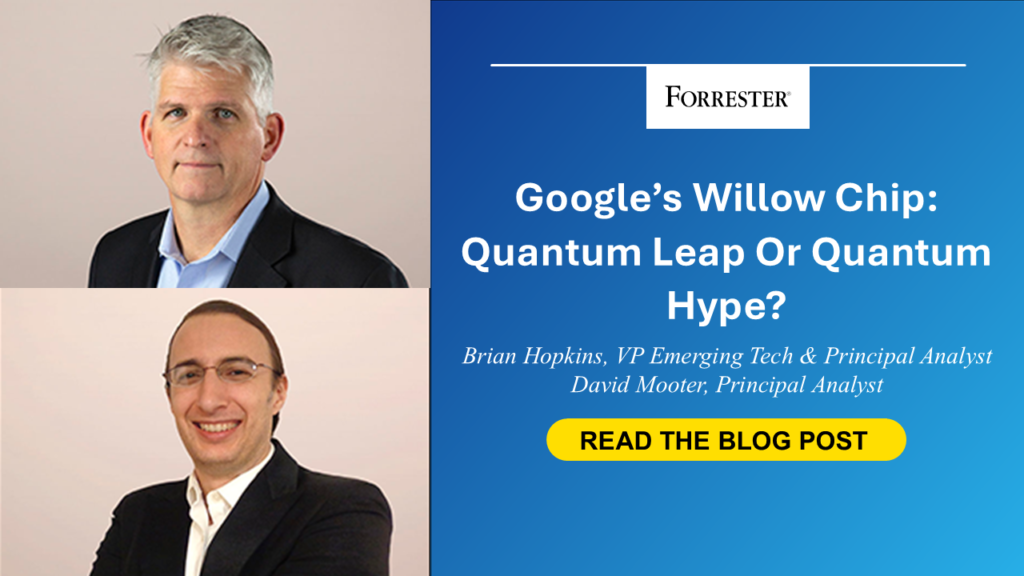
Google’s Willow Chip: Quantum Leap Or Quantum Hype?
Google recently released some blogs about Willow, its next-generation quantum processor. These blogs are currently making headlines and causing substantial confusion. Let’s break them down so you have a clear picture of what they mean: In this blog post, Google introduces Willow with a bold claim about its performance and details the team’s breakthrough in error correction. This more technical post describes what Google did in error correction more deeply. Google’s Big Breakthrough: Scalable Quantum Error CorrectionGoogle’s most significant achievement is a major advancement in quantum error correction — a critical challenge in quantum computing due to the fragile nature of qubits. Qubits exist in a “superposition” state, making them highly susceptible to errors from environmental interference. Without effective error correction, qubits lose stability too quickly to perform useful computations. To address this, Google improved on a method to group “physical qubits” into more stable “logical qubits” using a well-established technique called surface codes. Traditionally, increasing the number of connected qubits in a “surface code lattice” has led to higher error rates — the opposite of what is needed to create logical qubits from physical ones. Google scaled from a 3×3 to a 7×7 physical qubit lattice while reducing the error rate by a factor of 2.14, effectively doubling the lifespan of logical qubits compared to its earlier Sycamore chip. This achievement demonstrates that we can add more physical qubits while exponentially improving the stability of logical qubits. And we will need much, much larger lattices to correct logical qubits to the point of usefulness. It looks like we might get there now. While this is a significant milestone for quantum computing, it is not a sudden leap to “quantum advantage” — the point that quantum computers outperform classical ones for practical tasks. Instead, it marks a critical step forward in the development of large-scale quantum systems. Given the number of companies developing quantum chips, it remains uncertain whether Google’s approach can be replicated by other chipmakers or applied to different chip architectures. Quantum Supremacy, Not Quantum AdvantageGoogle said in its blog that “Willow performed a standard benchmark computation in under five minutes that would take one of today’s fastest supercomputers 10 septillion (that is, 1025) years.” This sounds like the giant leap we’ve all been waiting for, but the reality is more measured. Google’s announcement firmly establishes quantum supremacy — it first claimed this in 2019, but it was refuted by IBM. To understand this, recognize that quantum computing hype revolves around two key terms: quantum supremacy and quantum advantage. While they sound similar, they have crucial differences. Quantum supremacy occurs when a quantum computer performs a task that no classical computer can match, regardless of its usefulness — this is what Google announced with Willow (though the term was not directly used). We believe that Google has achieved it this time around, but it did not achieve quantum advantage. Quantum advantage refers to a quantum system that can solve a practical, real-world problem faster and cheaper than a classical one. We care far more about quantum advantage. Unfortunately, that is still perhaps a decade away. Consider that the Willow chip only has 105 physical qubits. Achieving quantum advantage will require a thousand or more logical qubits, as I pointed out above. You can do the math on a napkin and see how far away we are from that. Plus, other industry players such as Microsoft are exploring approaches like qubit virtualization and topological qubits, which could reduce the number of physical qubits required to produce a useful logical one. But these efforts are far from mature, so on we go. What CIOs, CTOs, And Security Leaders Should Do NextWhile Google’s Willow chip doesn’t alter our 10–15-year timeline for large-scale, fault-tolerant quantum computing, it sends a clear signal: Start preparing now, because it could be sooner. For business and technology leaders, this means taking practical steps: The first priority is to prepare with quantum security. Companies must prepare by adopting post-quantum cryptography and crypto agility, which both are part of quantum security, a top 10 emerging technology for 2024. The speed at which quantum computers will make breakthroughs is still anybody’s guess. The second priority is to experiment with hybrid quantum-classical systems. This will help organizations build skills for more advanced quantum capabilities in the future. It will also help leaders grab smaller advantages that may come in smaller-scale computers in the next five years or so. Finally, manage expectations. Willow is an achievement that may accelerate our long-term outlook for quantum computing, but only time will tell. Early quantum advantage for specific use cases, like quantum simulation and hybrid workflows, may emerge in the next two to five years for intermediate-scale and somewhat noisy qubits. Want To Learn More?Forrester clients can read the report, The State Of Quantum Computing, 2024, for the latest insights on error correction, quantum advantage, and what it means for your business. Get practical guidance on how to prepare for the future of quantum today. source
Google’s Willow Chip: Quantum Leap Or Quantum Hype? Read More »